Search Knowledge Base
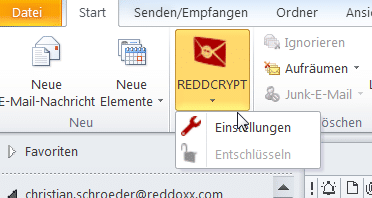
Initial situation: In rare cases, the REDDCRYPT plugin may not have any icons, but the functionality is retained.
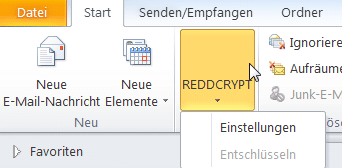
Solution: If you deactivate the addin and then reactivate it, the icons are displayed correctly again.
Procedure: To do this, please go to File -> Options -> Add-Ins. To deactivate the add-in, please go to the bottom and click on “Go to” to get to the individual add-ins.
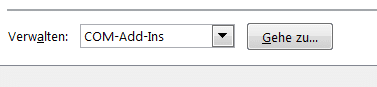
Then scroll to the REDDCRYPT addin, remove the tick and click OK. The addin is now deactivated. Then repeat the steps, check the box again and the addin is activated.

The icons are then visible again.