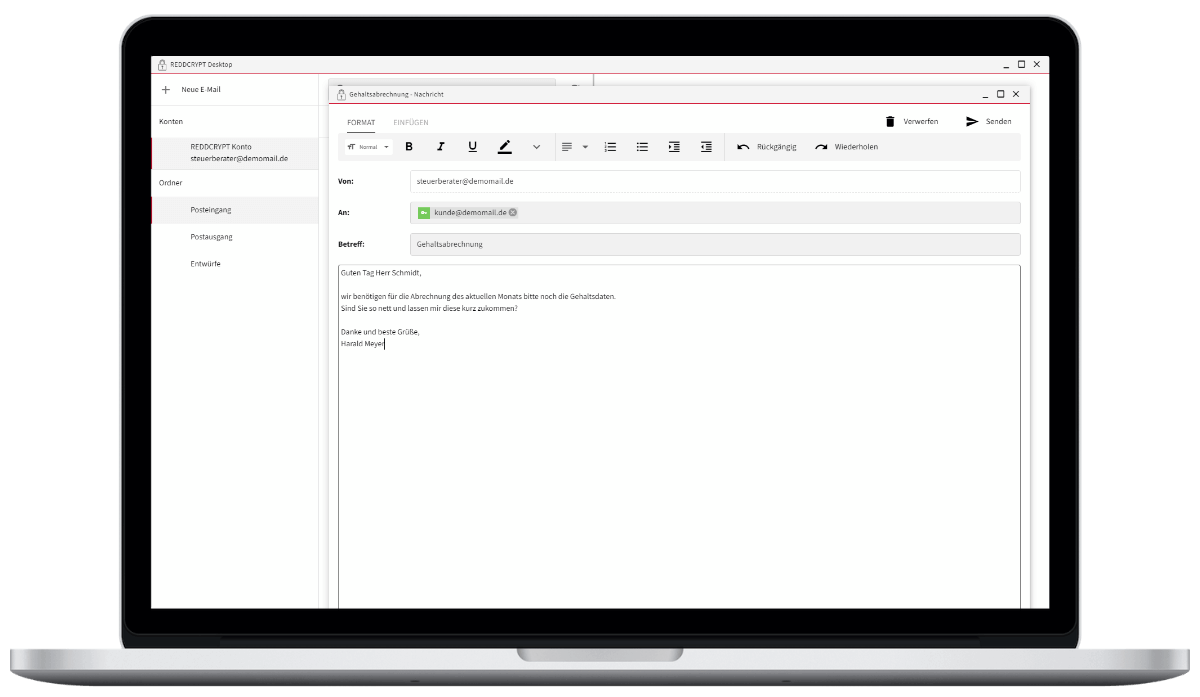
Familiar operation
In the REDDCRYPT Web App, you compose your email as you would with a conventional webmailer and specify the recipient. If the recipient is also a REDDCRYPT user, no further steps are necessary.
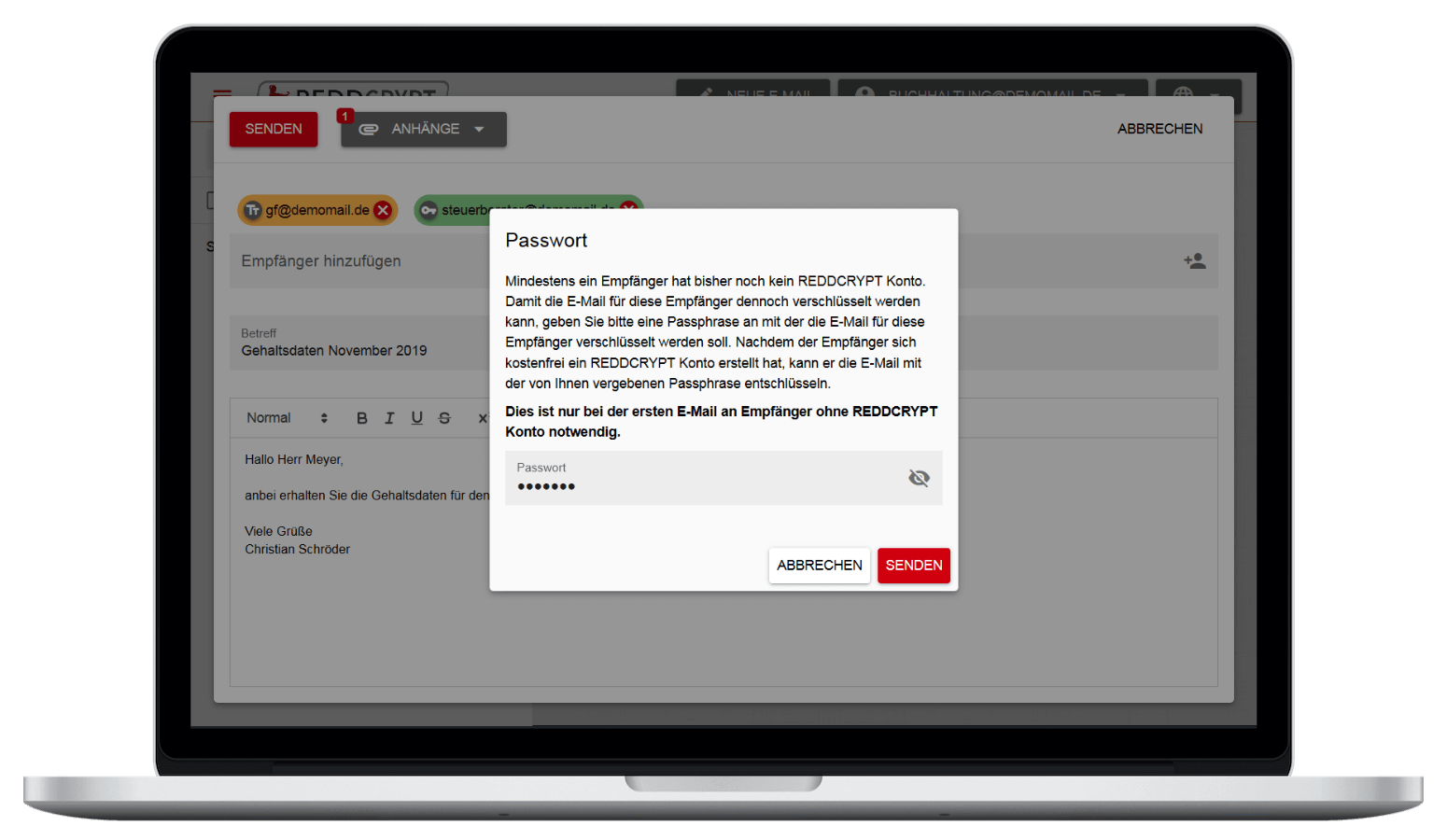
Receiver without REDDCRYPT?
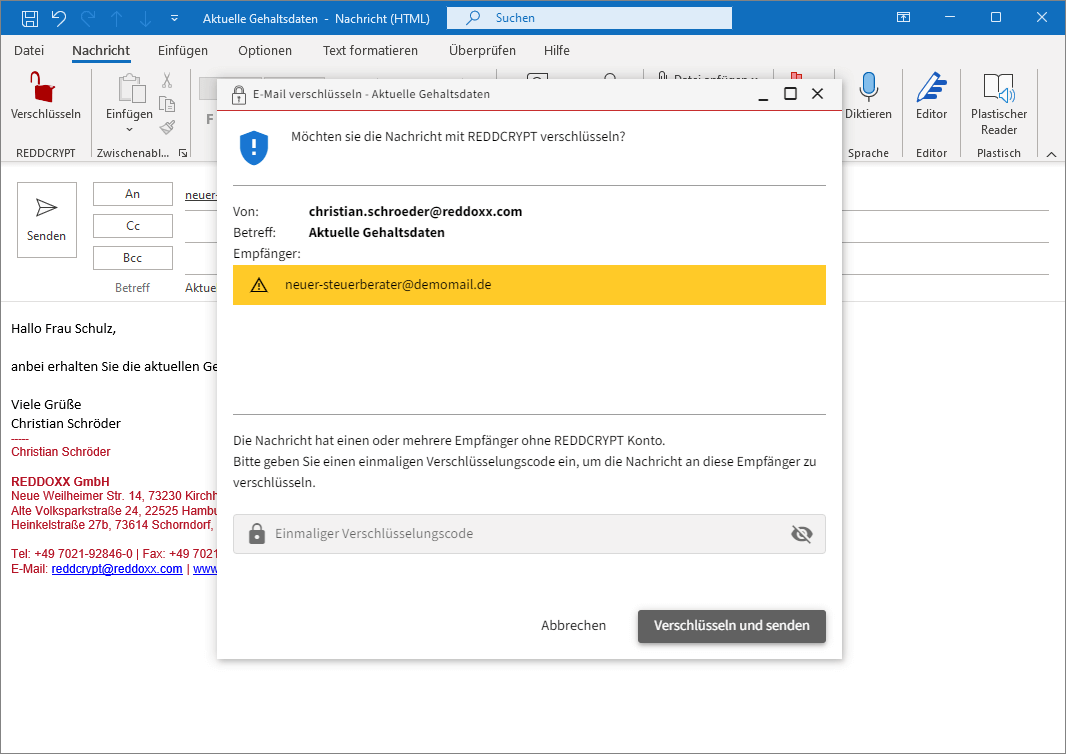
If the recipient does not use REDDCRYPT, you can send them an encrypted email with a passphrase. This is only required for the first email and enables decryption.
Test now
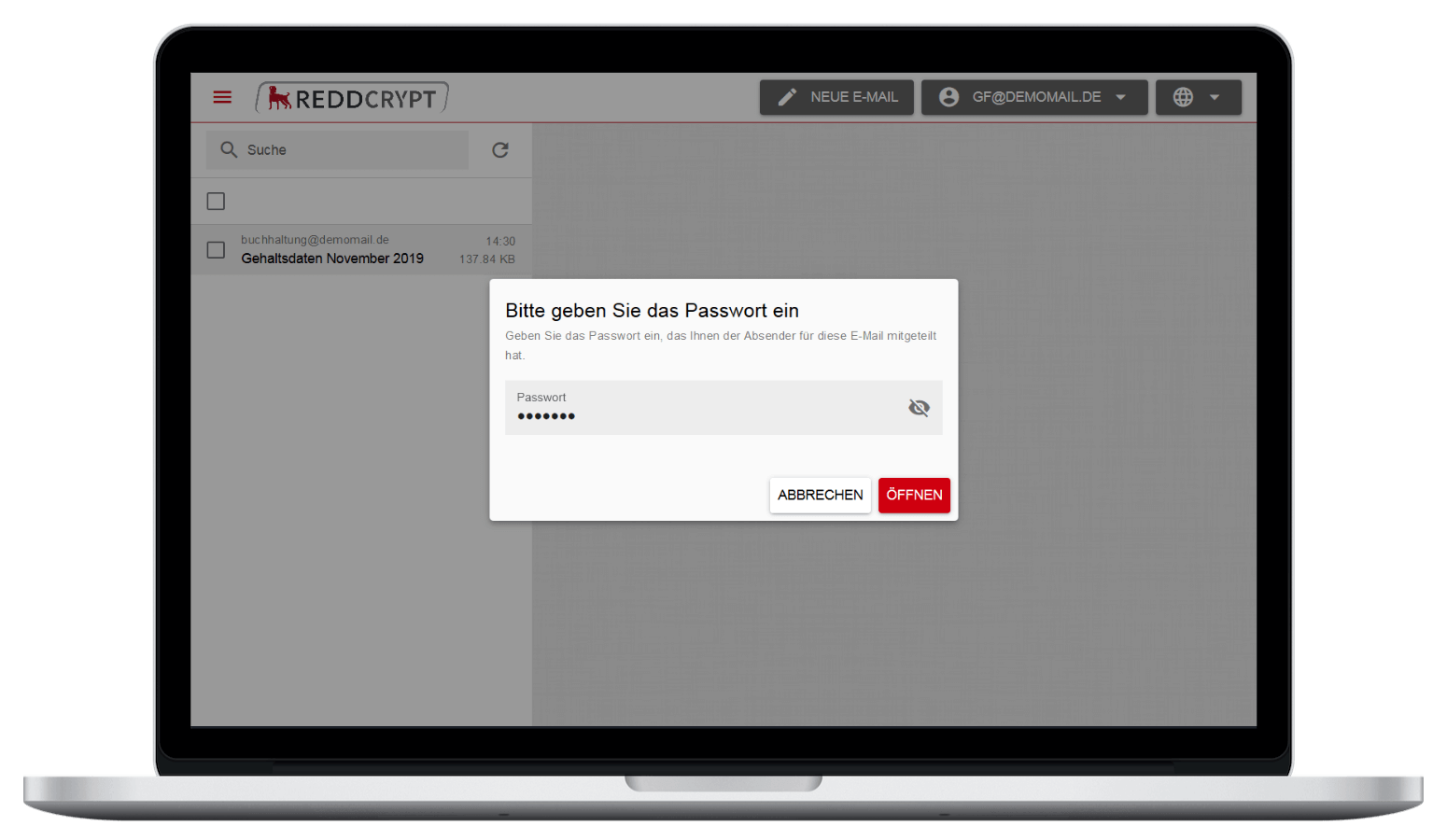
Decryption in the browser
If the recipient already has an account, they can read the email immediately. If they do not yet have one, they must enter the passphrase after clicking on it. A media break is recommended for secure transmission.
Test now
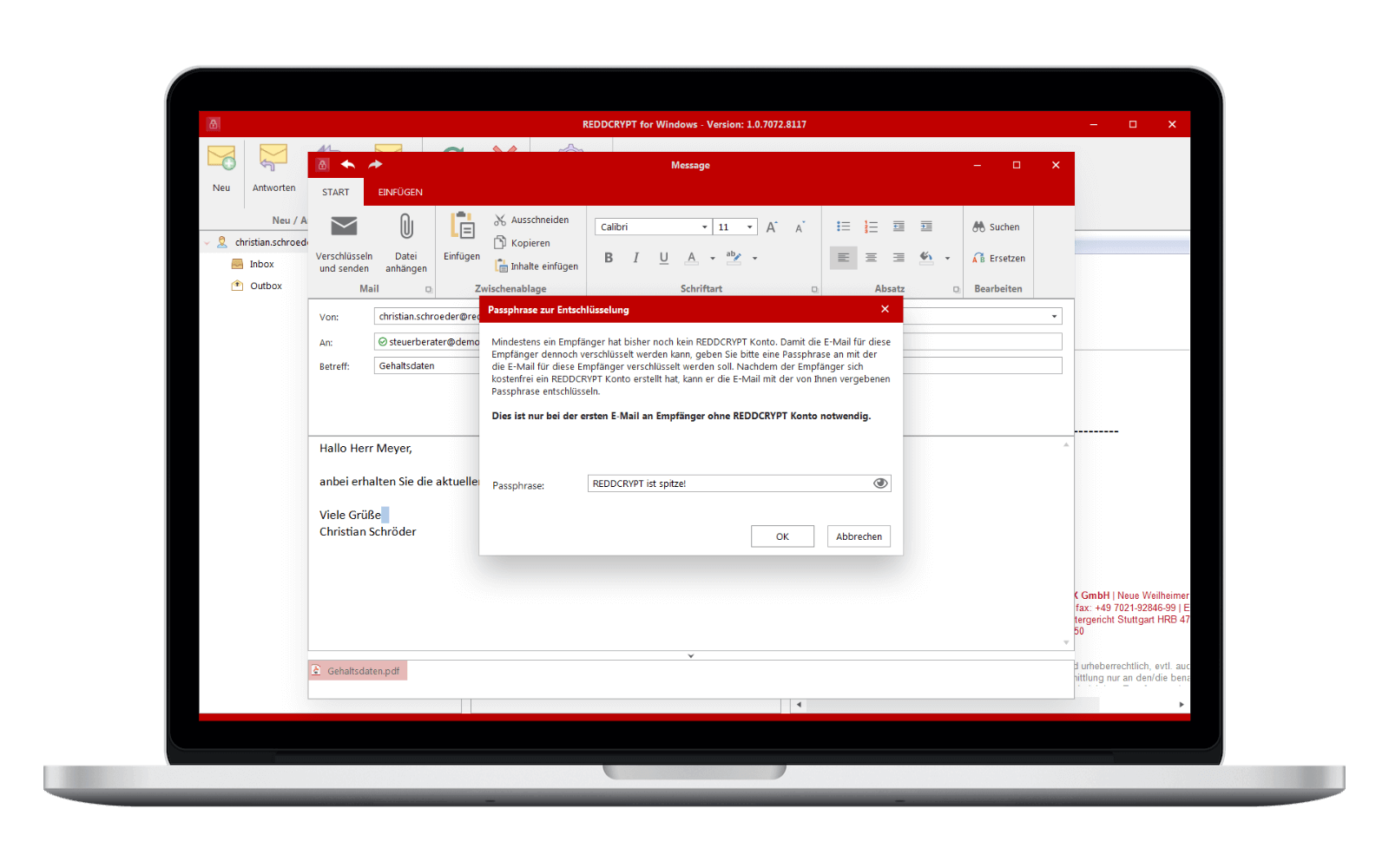
Unique passphrase
For non-REDDCRYPT users, you define a unique passphrase that you communicate by text message, phone call or letter. The recipient then registers free of charge in the web app, enters it and can decrypt the email.
Test now
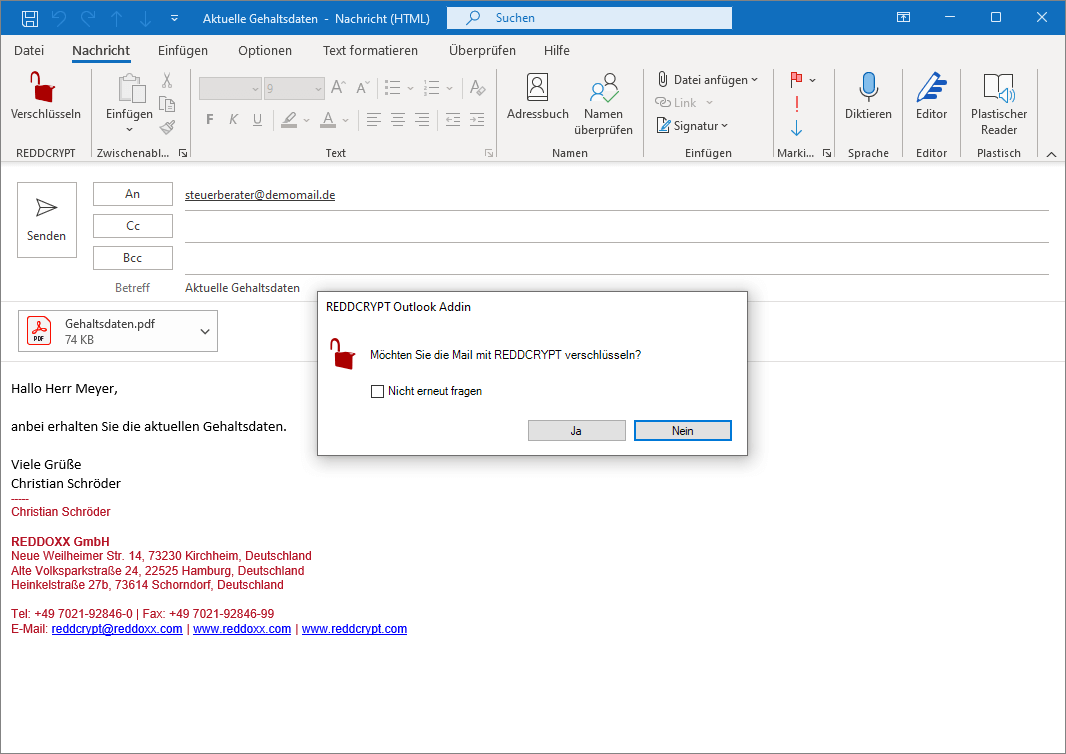
Encrypted with one click
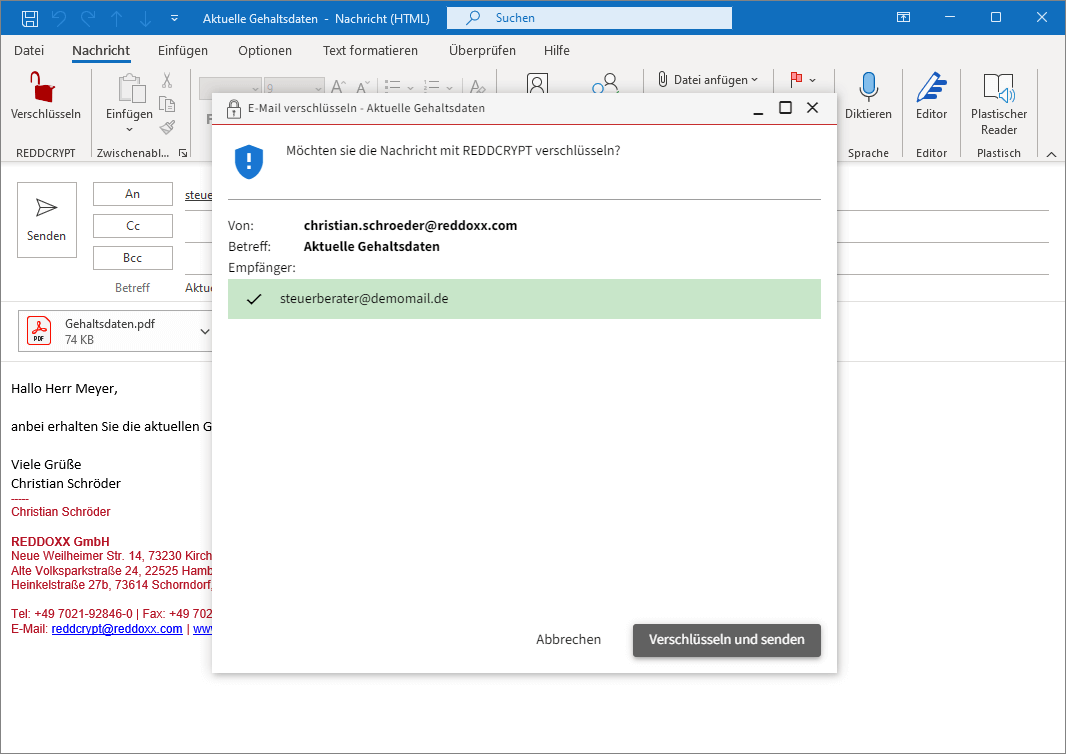
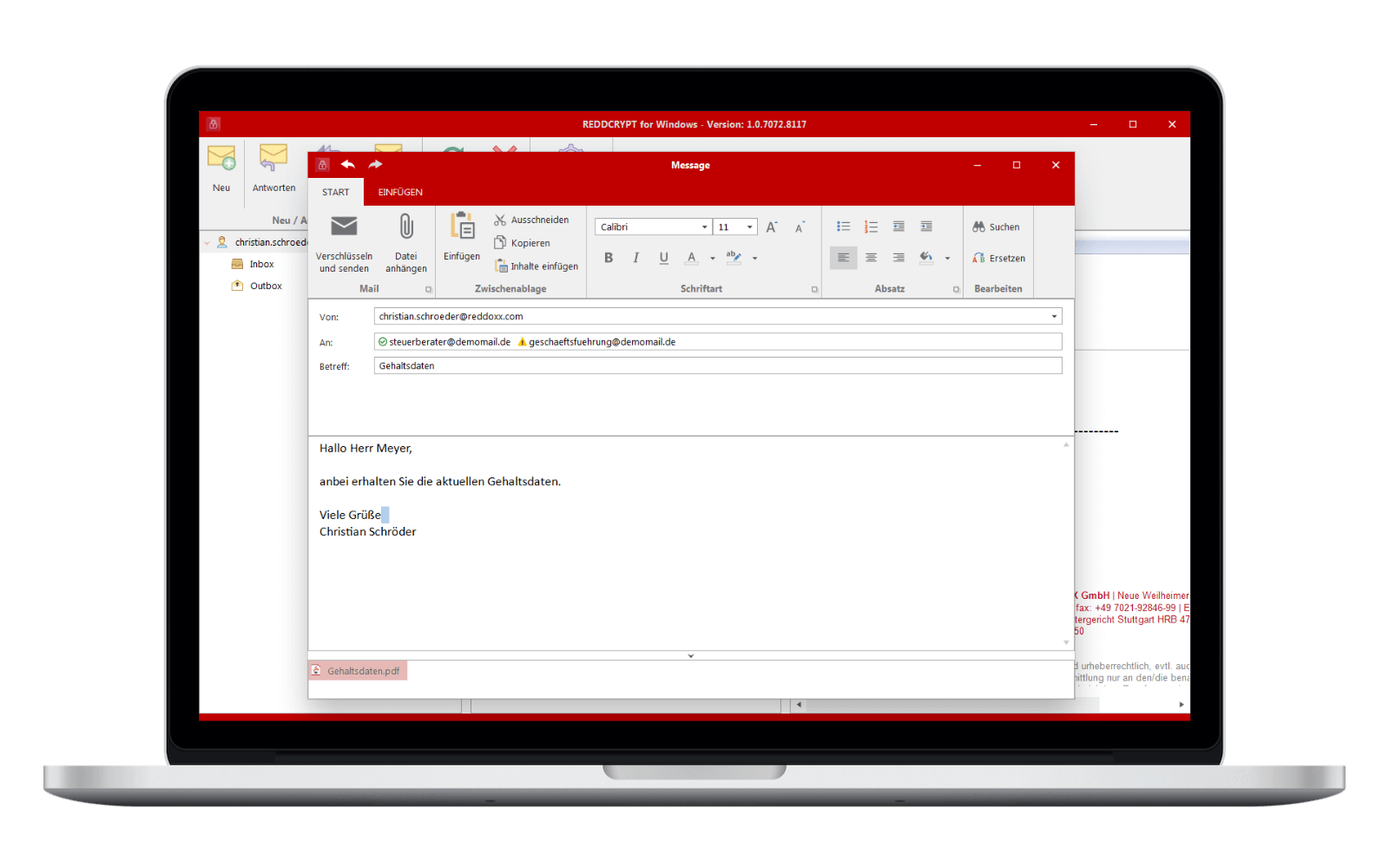
For recipients who are already REDDCRYPT users (green), the email is automatically encrypted and decrypted. Recipients who are not users (yellow) can still send an encrypted email.
Test now
Unique passphrase
For non-REDDCRYPT users, you define a unique passphrase that you communicate by text message, phone call or letter. The recipient then registers free of charge in the web app, enters it and can decrypt the email.
Test now
Decrypted with one click
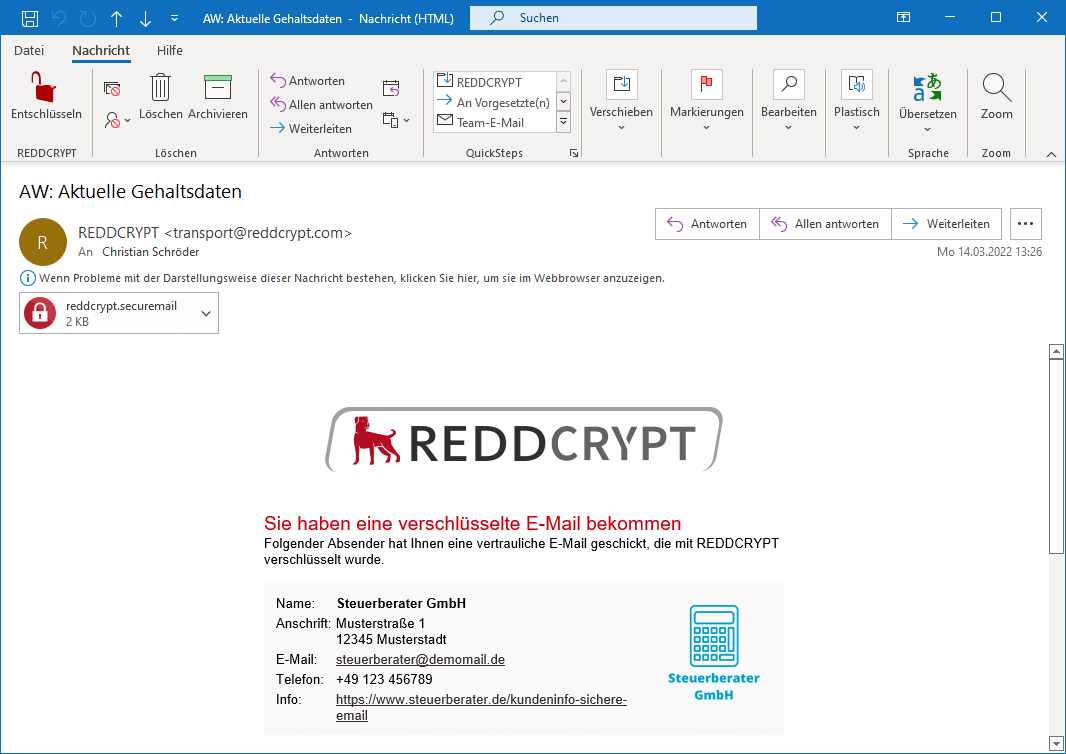
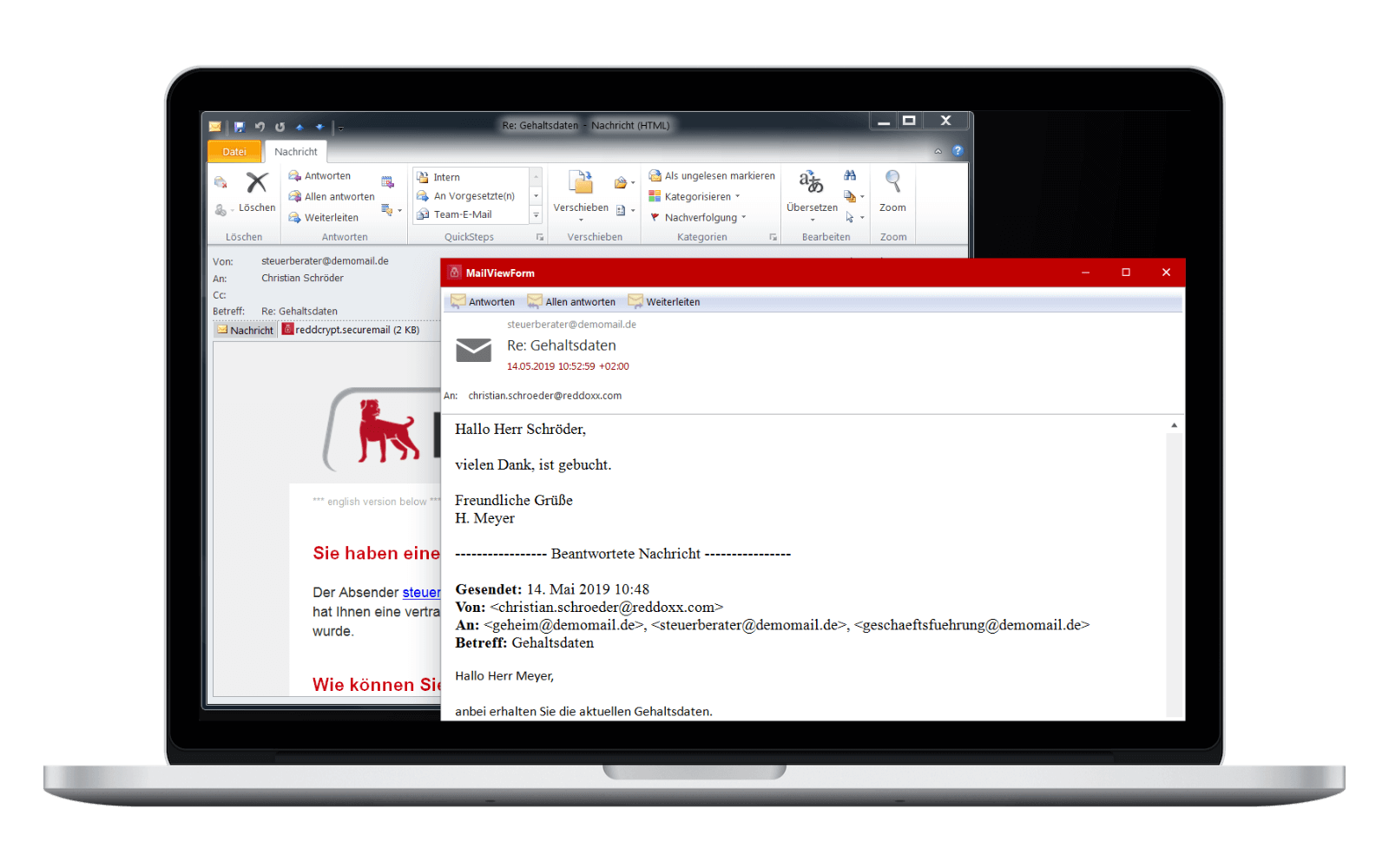
If you receive an email, you have two options for reading it: Either with the infomail from REDDCRYPT with an attachment, which you can open after installing the Windows app, or you can read it directly in the Windows app.
Test now
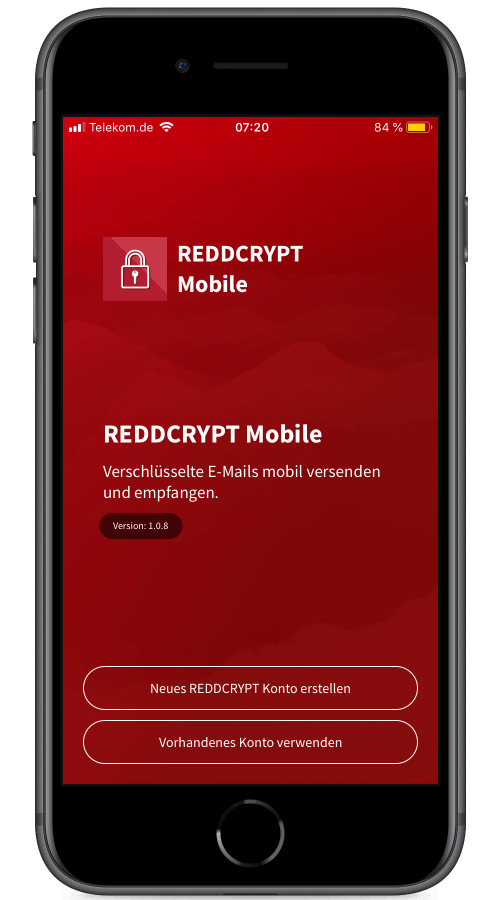
Simplest handling
With the REDDCRYPT app you can easily send and receive sensitive information, just like with a normal mail app. If you don't have an account yet, you can create one in just a few seconds.
Test now
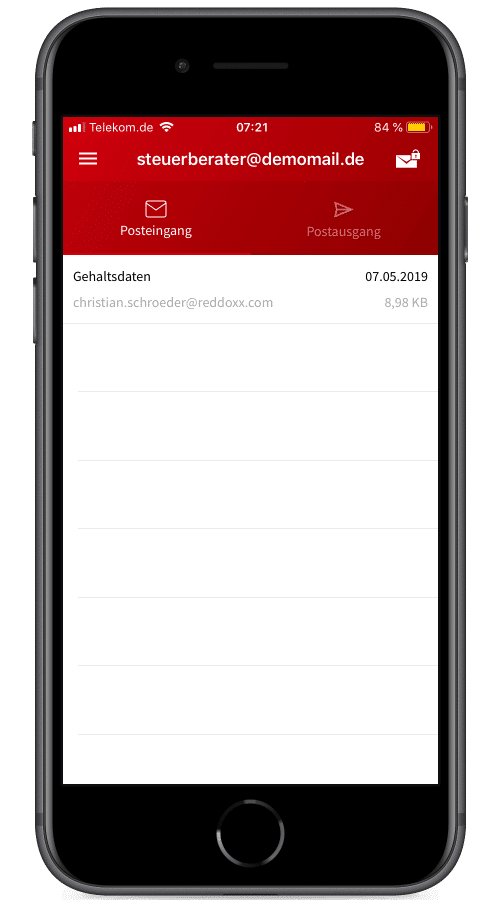
Available everywhere
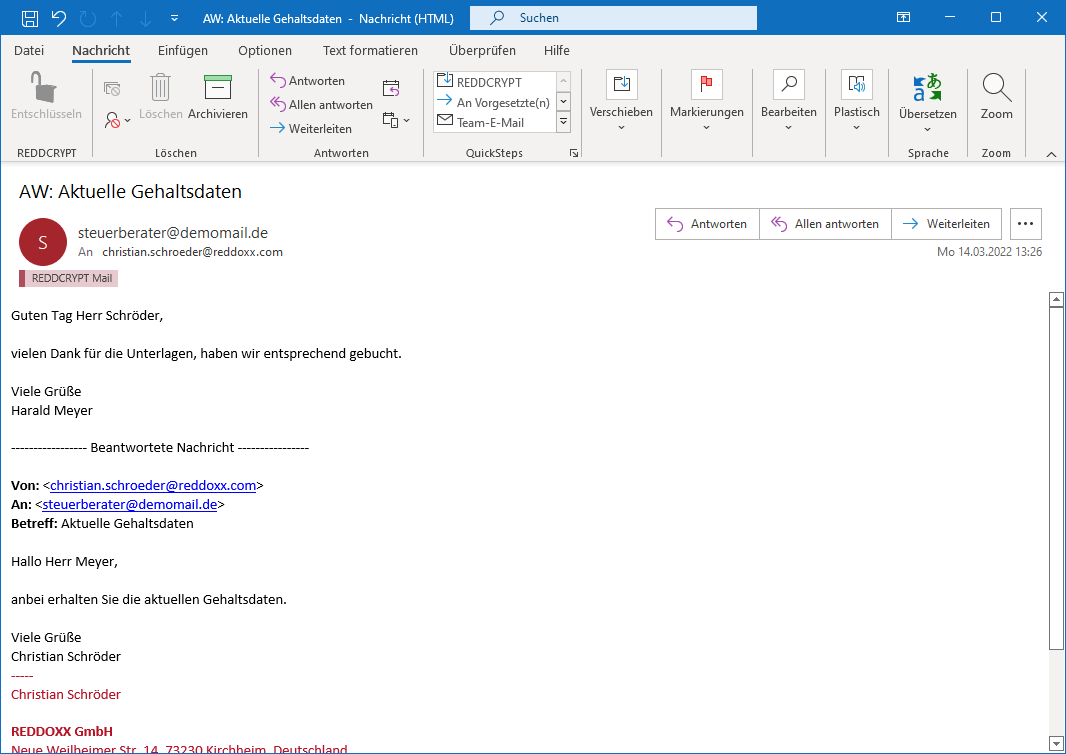
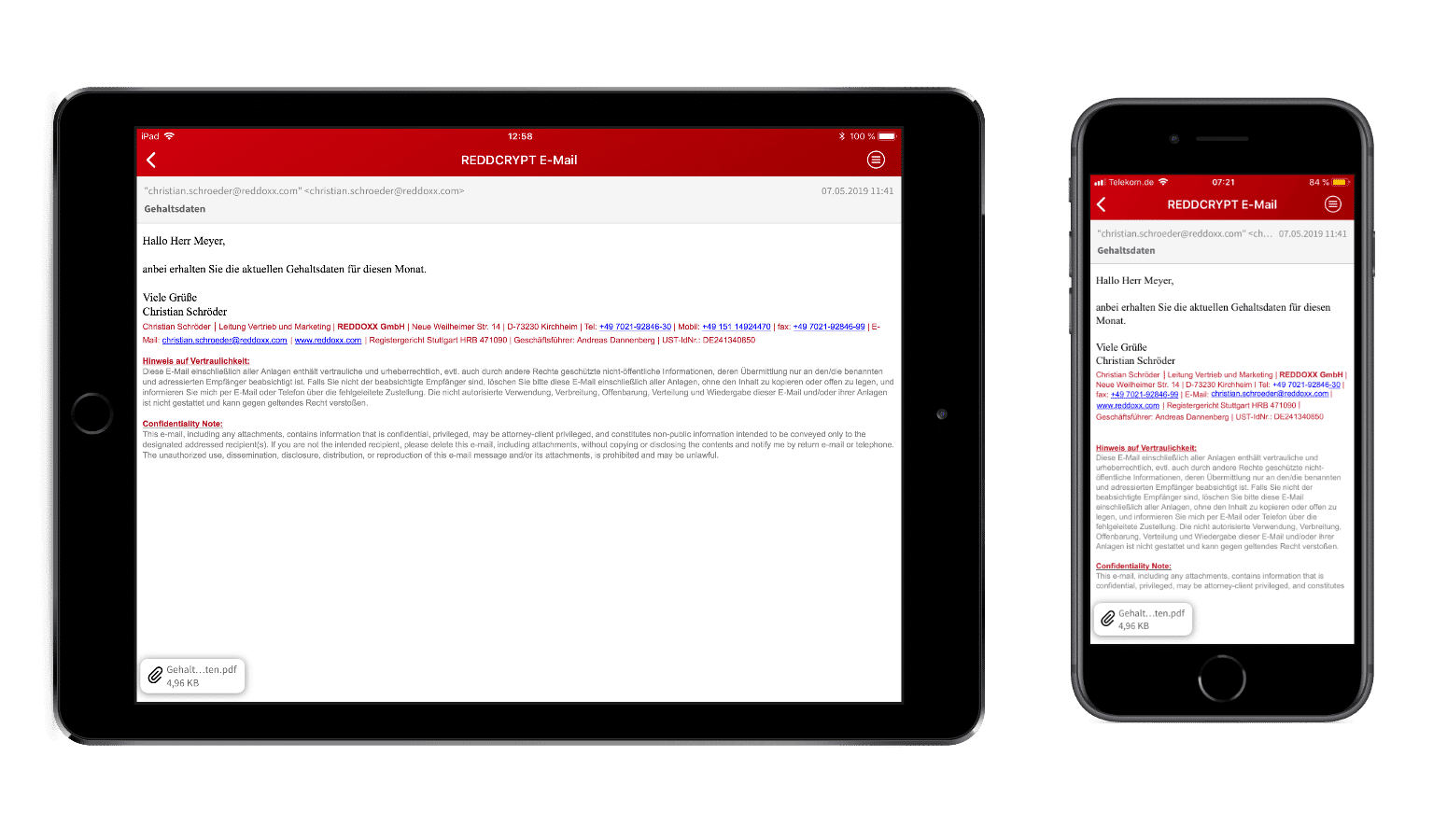
You receive encrypted emails as attachments in your mailbox. You can decrypt them using the Outlook plugin or the Windows app, for example. You can also open the email on your mobile device in the REDDCRYPT app.
Test now
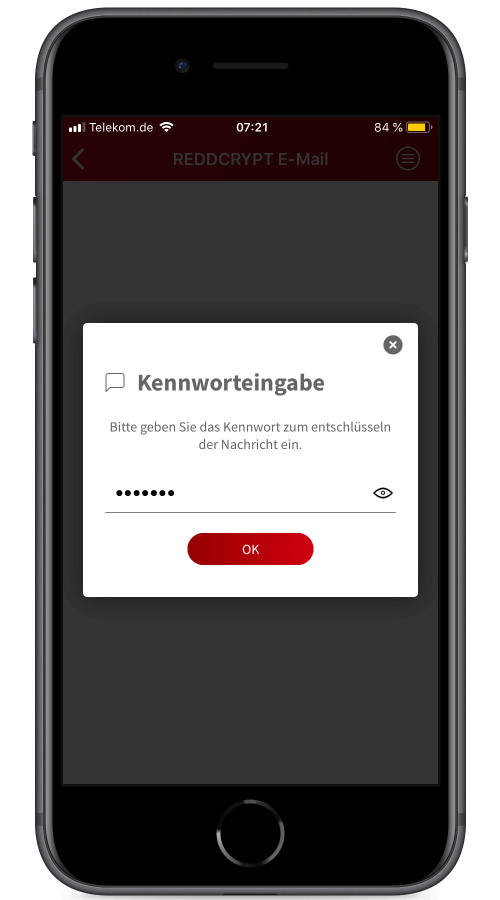
Immediately readable
If you receive an email and already have a REDDCRYPT account, you can read it immediately. If not, you will need the unique passphrase to decrypt it. All further emails will be encrypted automatically.
Test now
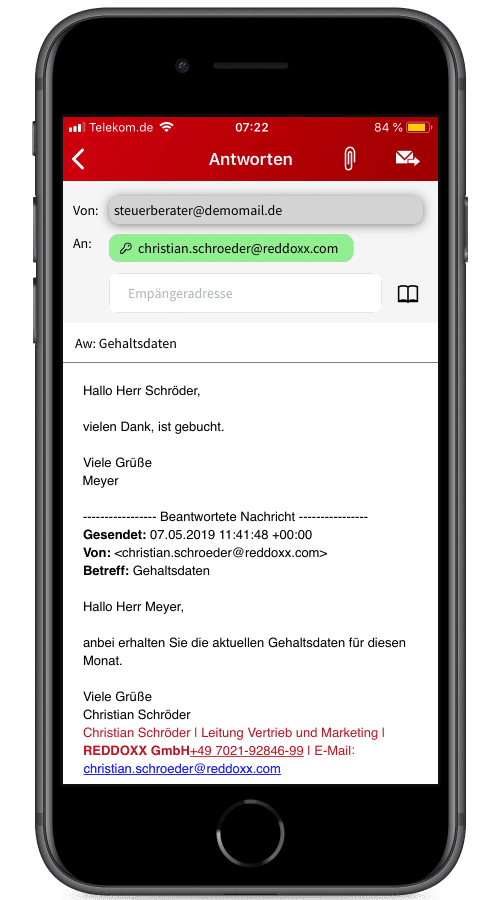
Answering and forwarding
You can reply to emails at any time and also forward them to third parties. Here too, you can see immediately whether the recipient is already using REDDCRYPT (green) or whether you need to define a unique passphrase for the recipient (yellow).
Test now
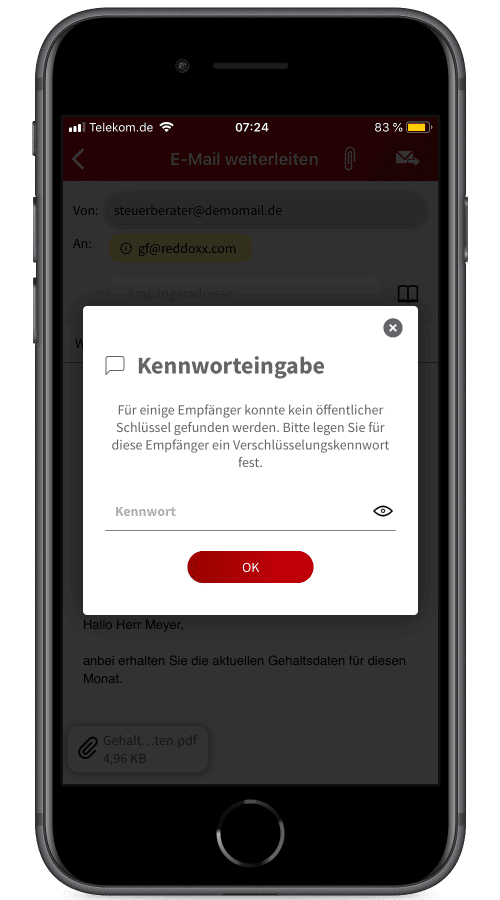
Unique passphrase
You can also send an encrypted email to recipients without REDDCRYPT by transmitting a passphrase. After registering in the web app, the recipient can decrypt your email.
Test now
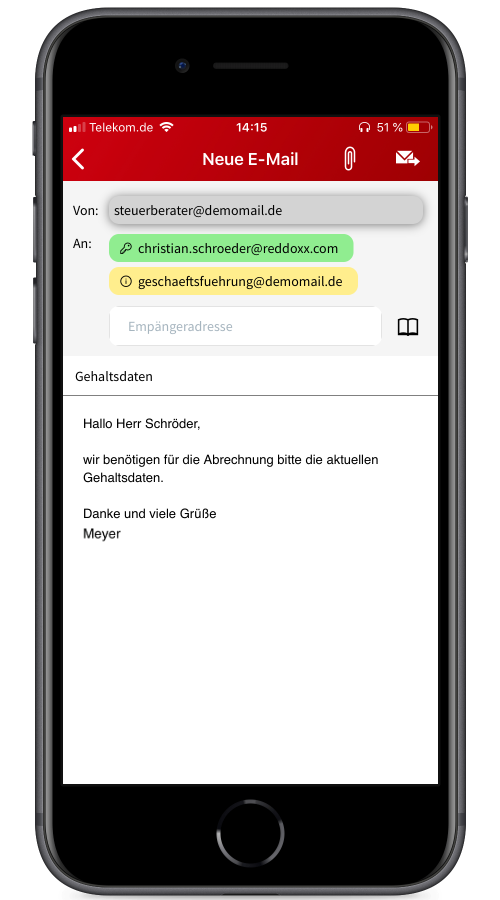
Shipping from the app
Green markings mean that the emails are automatically encrypted and the recipient uses REDDCRYPT, yellow markings require manual encryption for recipients who do not use this.
Test now

